Scale
Keep every location aligned without flattening how it operates
Standardize governance, reporting, templates, permissions, and integrations while preserving location-level schedules and operational context.
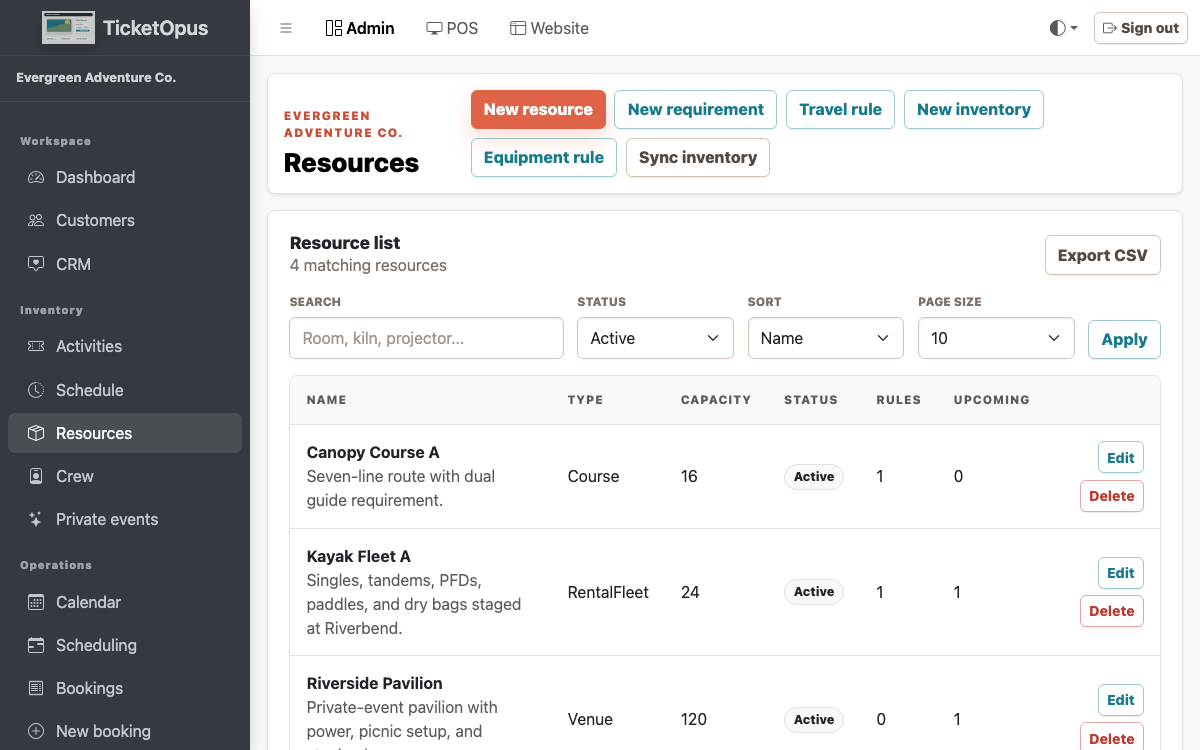
Shared standards
Give teams common definitions, templates, permissions, and reporting without copying setup by hand.
- Separate settings for each location
- Shared templates for new locations
- Roles, policies, and change history
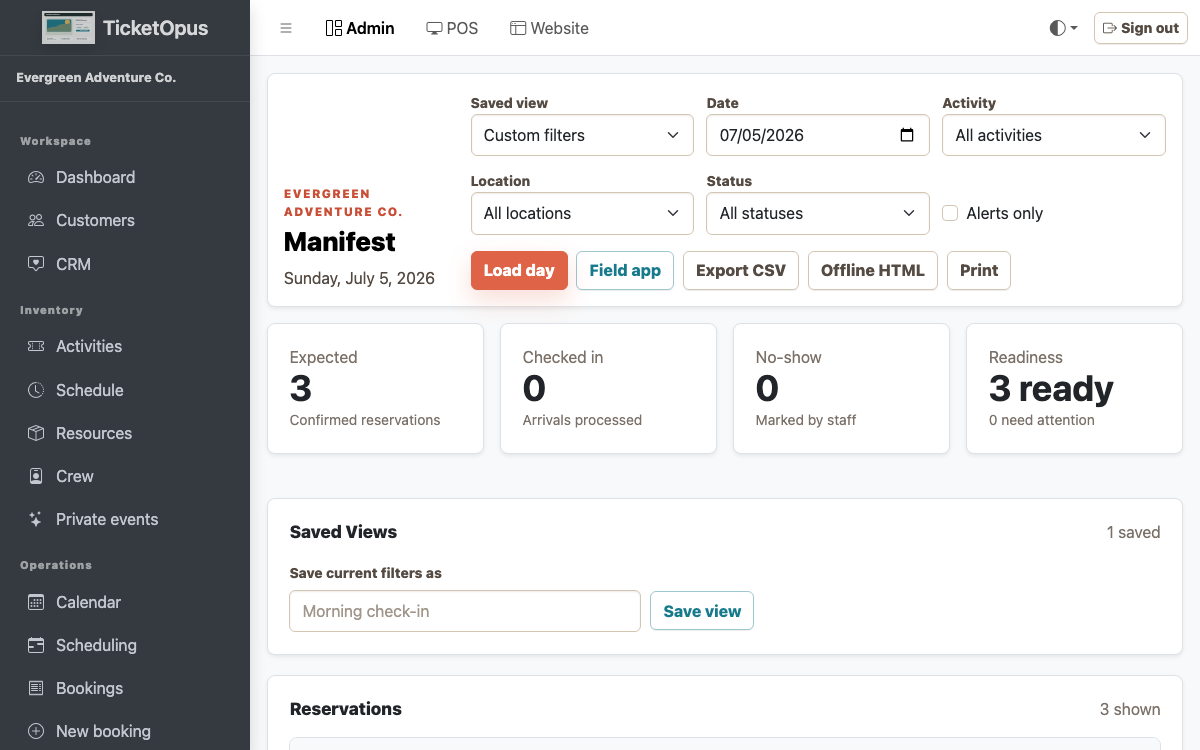
Local operational clarity
Keep the day-to-day schedule, resources, staff, and guest context useful at each location.
- Location-aware catalogs
- Crew and resource assignment
- Cross-location reporting
How it works
Where to start
-
01
Define the operating model
-
02
Standardize shared setup
-
03
Launch location workflows
-
04
Review across the brand
Questions before launch
Straight answers before you decide.
Can TicketOpus start with one workflow?
Yes. The platform is designed so an operator can begin with direct booking or another priority workflow and add connected capabilities as the operation matures.
Does TicketOpus support an existing website?
Yes. Add the booking widget to your current site, or build a new site with the TicketOpus website builder.
How should we evaluate a migration?
Start with future bookings, catalog and schedules, customer records, payments and balances, integrations, domains, reporting, and the staff workflows that must work on launch day.
Are all integrations live today?
No. Stripe payments, the External API, and webhooks are live. QuickBooks, Xero, OTA marketplaces, and Google Things to Do are not connected yet, so check with us about any connection your launch depends on.