Day-of operations
Keep arrivals moving when volume peaks
Use manifests, tickets, scanners, waiver readiness, mobile workflows, and offline-aware operations to keep the gate or meeting point organized.
Website → Checkout → Operations → Reporting
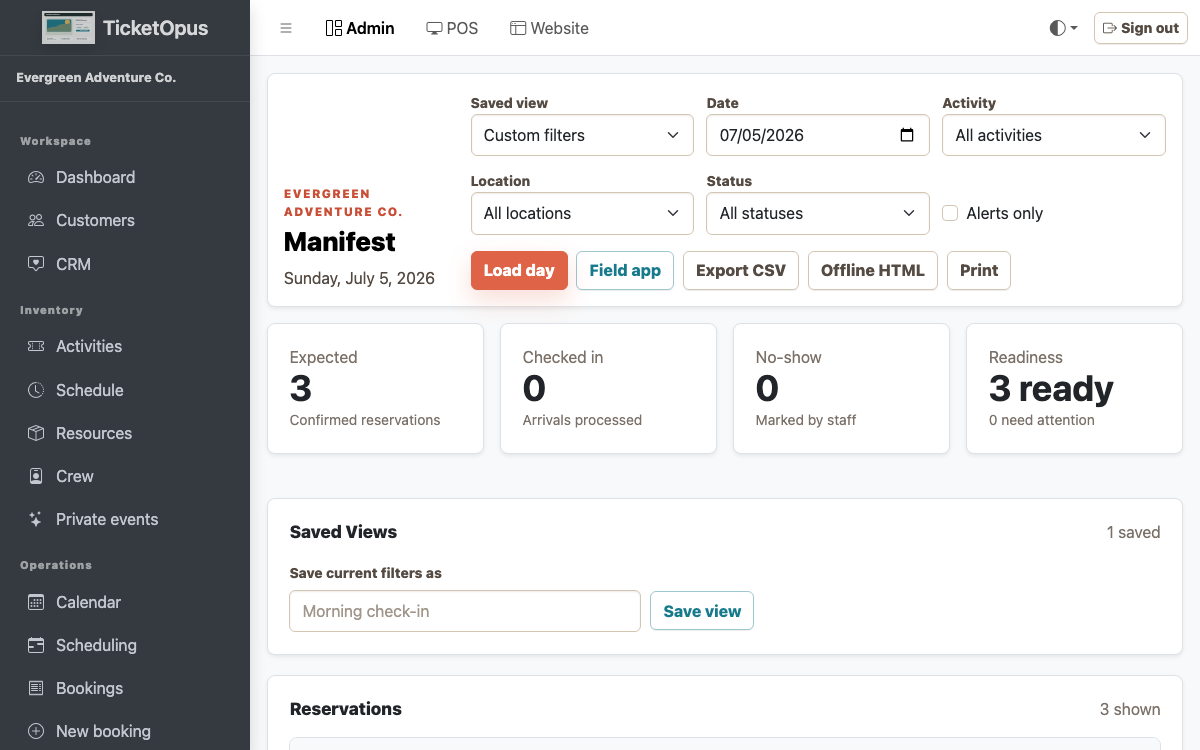
Readiness before arrival
Surface missing signatures, balances, assignments, and guest notes before they become a line problem.
The workflow stays connected to the booking context, company boundary, and operational result.
- Manifest filters and exports
- Waiver and payment readiness
- Crew and pickup context
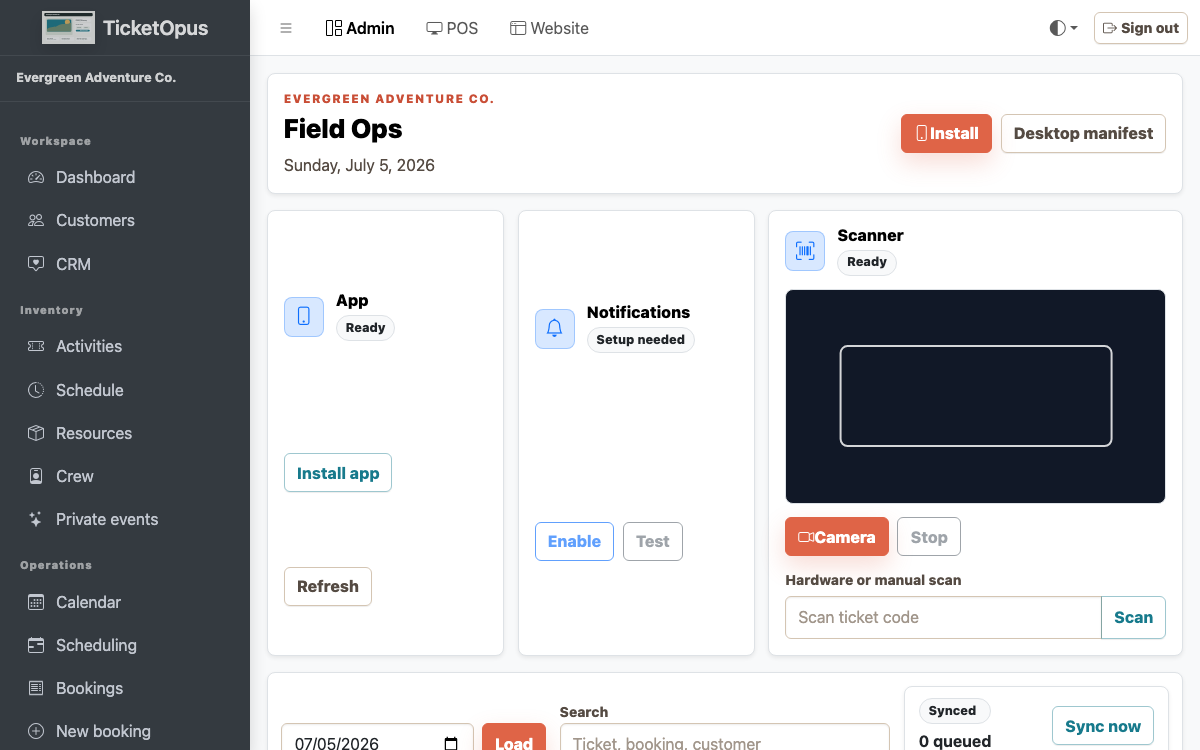
Tools for the field
Give mobile staff fast actions and a recoverable path when connectivity is unreliable.
The workflow stays connected to the booking context, company boundary, and operational result.
- QR and ticket scanning
- Offline-aware mobile work
- Conflict and sync review
How the work moves
A controlled path from context to result.
Each step keeps responsibility, evidence, and the next action clear.
-
01
Connected step
Prepare the manifest
Start with the context that already exists.
-
02
Connected step
Resolve readiness gaps
Configure the rules and responsibility.
-
03
Connected step
Scan or check in
Run the workflow with the guest and team.
-
04
Connected step
Review exceptions
Review the result and improve the next cycle.
Questions before launch
Make the important boundaries explicit.
Can TicketOpus start with one workflow?
Yes. The platform is designed so an operator can begin with direct booking or another priority workflow and add connected capabilities as the operation matures.
Does TicketOpus support an existing website?
Yes. TicketOpus supports an embeddable booking path while also offering a booking-native hosted website and CMS direction.
How should we evaluate a migration?
Start with future bookings, catalog and schedules, customer records, payments and balances, integrations, domains, reporting, and the staff workflows that must work on launch day.
Are every provider and integration live today?
Integration pages distinguish implemented platform surfaces, provider-readiness controls, and future provider activation. A specific provider should be verified before it is included in a launch plan.